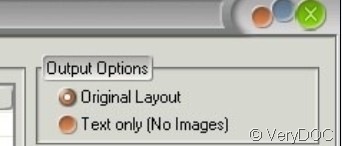
“Yes, PDF to Word Converter can retain the multiple columns of text layout during PDF to Word conversion.” PDF to Word converter is a very useful tool if you want to convert your pdf files to word document meanwhile keep its original layout.
Now i will show you how to manipulate this software step by step.
- Download this software from this website.https://www.verydoc.com/pdf-to-word.html then you will enter this homepage.
- Then click “Buy Now” or you can have a try for “Free Download”. If you want to use it. i guess you need have to pay for it.
- After buying it, you will enter this homepage.
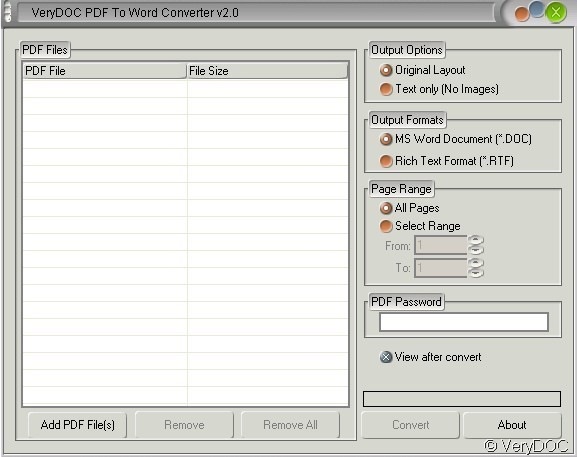
- Then add the file or files to the blanks or click the button “Add PDF Files”. If you add files by mistake, removing it by clicking this button “ Remove”or “ Remove All”.
- Please have a detail check of menu on the right part if this menu list, then you will find this “options”
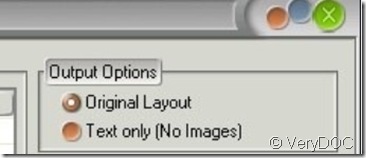
- This is about the output options. If you want to keep multiple columns, please choose the first one “ Original Layout”. If after choosing, you find the images are useless then you can choose the “ Text only”
- As to the other function buttons, you can choose it according to your needs. Such as the output formats and the page range.
- If you have finish the choosing, please click the “Convert” button then a few seconds later a word document will bounce to the screen. Now you can edit it as a word document meanwhile it keeps multiple columns.