Thanks for your support for VeryDOC PDF and thanks for your question. I will show you by a example.
- First after converting the PDF file to word document you will get a document like this.In order to show the way easily,i put the part of the original document here.
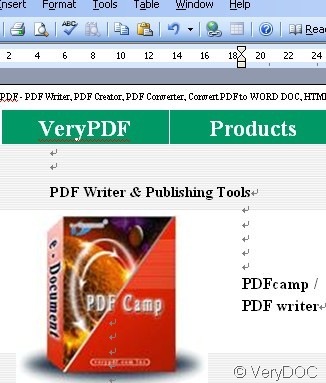
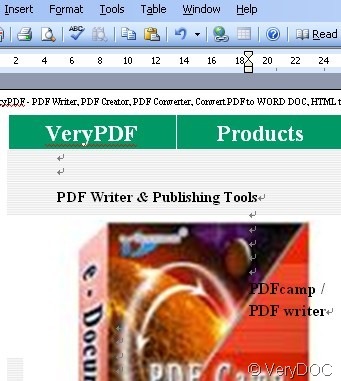
- Then please compare those two pictures, you can find the size of the book can be adjusted. Each unit of this word document can be editable. You can treat it as a single image. No matter where do you want to input it is reachable. So Excel application is no exception.
- Then we can apply it in the excel.
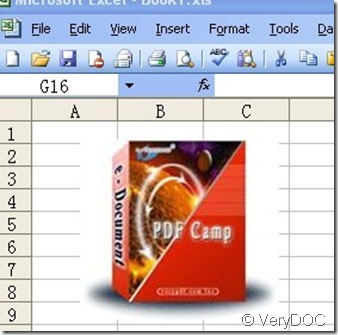
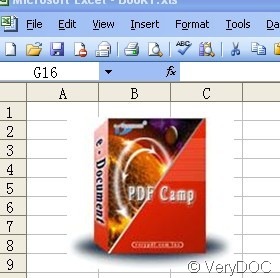
- The picture has been applied in the excel. Now you can edit it in the excel as you wish.
- So it is easy to get, no matter pictures, words or other forms of PDF files, VeryDOC PDF can help finish converting.